The fiber laser
New to the club in 2026. Draw a design, bring it on a USB stick, and watch the laser cut it out of steel through the window in its door.
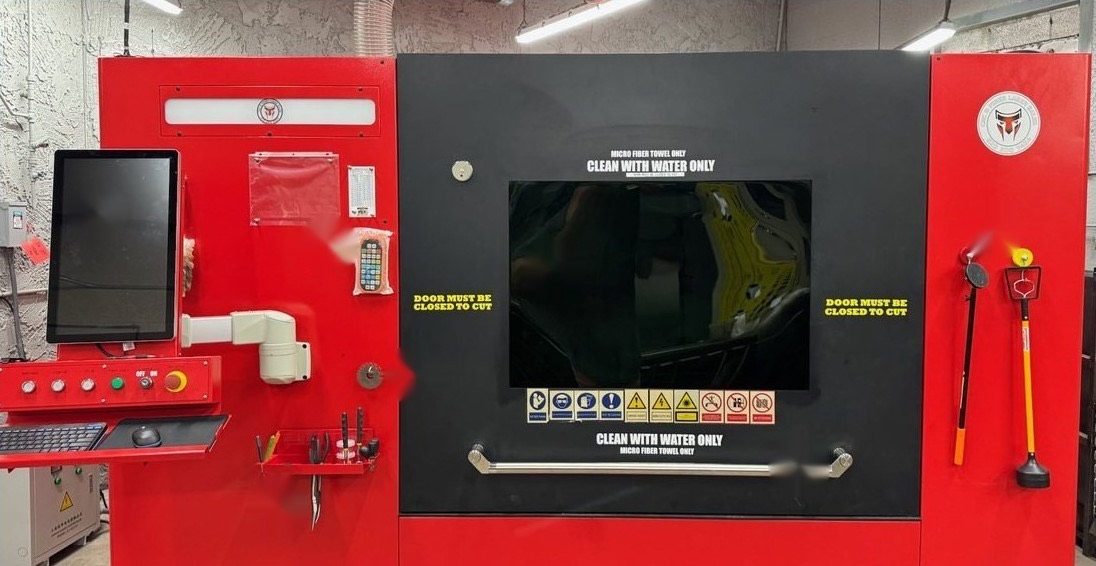
Specifications
- Cutting bed
- 48 by 48 inches
- Sheet size
- 12 by 12 inches up to 48 by 48
- Thickness
- 14 to 20 gauge steel
- Assist gas
- Nitrogen for thin sheet; oxygen for 1/8 inch and up
- Laser
- RayTools XC3000
- Software
- 2d Cut
- Your file
- A DXF on a USB stick
Why learn the laser
Laser cuts have no slag, so laser-cut metal can go straight to the shear.
Setting the cut order takes two clicks: the software cuts inside shapes before outlines. Club material cuts cleanly without lead-in lines.
Getting certified
The laser has its own qualification. New to drawing parts on a computer? Take the CNC drawing class first.
Read the manual
Read the safety section before your first session.
Hands-on training
You must be trained before operating the laser.
Competency sign-off
The sign-off sheet is posted at the machine.
Sign out the key
At the monitor station. Every cutter signs out the key personally.
A cut, start to finish
Start up
Main power, fans, compressor, then the laser and the 2d Cut software.
Load your sheet
Check the gauge, then set it on the bed. Never trim metal to size on the laser.
Load your design
Import the DXF from your USB stick and pick the material and thickness from the list.
Check the nozzle and gas
The job tells you which nozzle size it needs. Finger-tight only.
Set the zero and check the frame
Edge Seek finds the sheet, and the frame check makes sure nothing runs off the edge.
Cut
Door closed, and stay at the window with a finger over Pause.
Finish
Pull your parts, clear your program, eject your USB stick, then hand off or shut down.
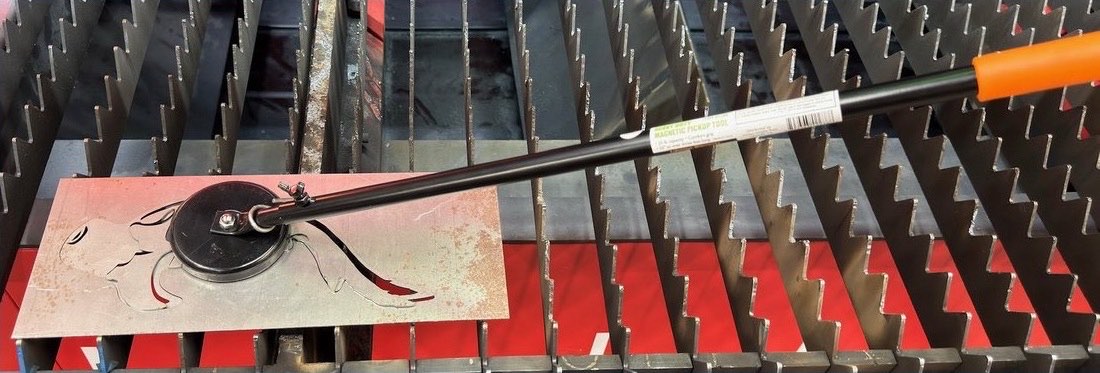
Never cut galvanized, zinc-plated, painted or oiled metal unless it’s in the software’s material list. The fumes are hazardous to breathe.
Treat cut parts as hot, especially after an oxygen cut, and the edges as sharp.